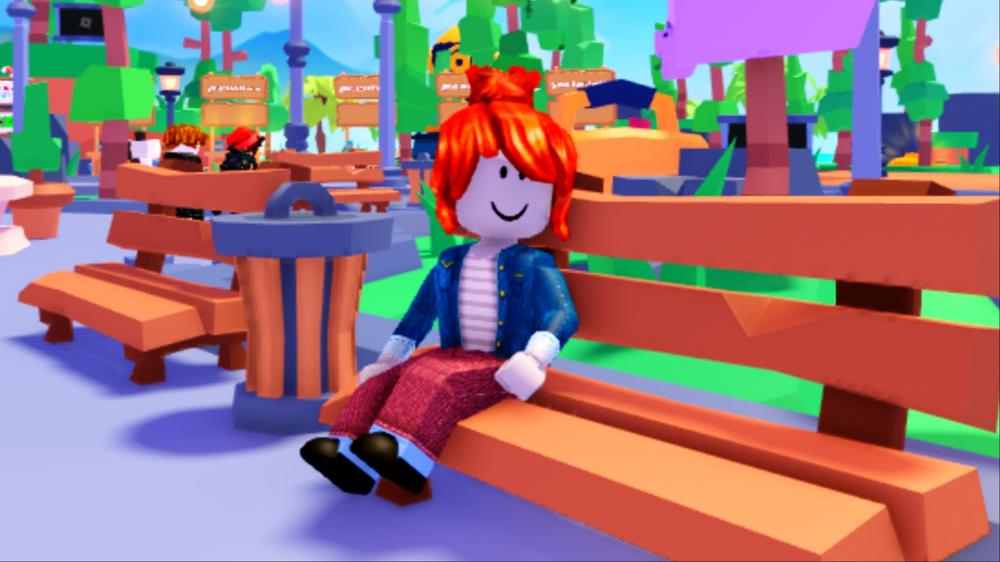
Roblox has officially introduced facial age checks, ensuring players are able to chat with other fans their age and increasing safety on the platform, but if your age is wrong on your account, it can make things tricky.
It originally rolled out in November 2025 for Australia, New Zealand, and the Netherlands, but Roblox’s focus on safety has gone global, introducing facial age checks to ensure you’re the correct age to enjoy the platform’s games.
Luckily, the lowest age range is five, so you’re able to play no matter what (unless you’re under five, of course), but if you’re over 13, you’re able to verify your age using your ID, removing the need for a face scan.
However, if your account has the wrong age on it, this can make things difficult, prompting Roblox to ask for ID when you’re under 13, or otherwise. So, here’s how to change your age on Roblox so it reflects correctly.
How to change your age
Luckily, changing your age in Roblox is pretty easy, all you need to do is follow the steps below:
- Head over to Roblox.
- Log in to your account.
- Click on the cog in the top right and select Settings.
- Select Account Info.
- Click on the pencil next to your Birthday.
- Enter your correct Birthday.
With that, it’ll place you in the correct age group (shown just above the Birthday setting and potentially allow you to use ID to verify your age instead of a Facial scan, or the other way around. It’s important to note, the scans are rolling out over the coming days, so you may not need to submit the scan just yet.
 Black Ops 7 players are obsessed with “awesome” Fallout crossover