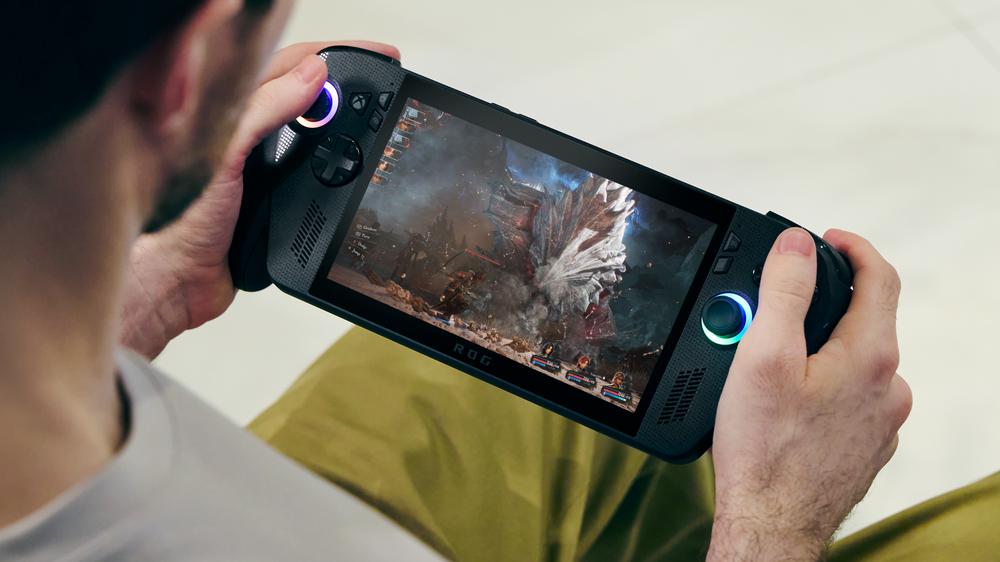
Ever since the Steam Deck came out, the humble handheld gaming PC has been going through a renaissance of sorts. Because while these fun-shaped PCs have been around for a while, being made by the likes of Ayaneo and GPD, they’ve now hit the mainstream. I’ve reviewed a lot of these new “mainstream” gaming handhelds, and while they’re all varying levels of good, they’re still not all the same – especially when it comes to opening them up and upgrading the storage.
Pretty much every handheld gaming PC will let you slot in a microSD card to expand your storage, but if you want to upgrade to a faster, more capacious SSD, you’re going to have to pop the handheld open and swap out the drive. I wouldn’t recommend this to everyone, especially if you get queasy at the prospect of tinkering with your electronics, but many of these handhelds make it pretty easy to upgrade.
So I did what any sane person would in this situation, I took all the handhelds in my lab and opened them up, so I could see how easy (or difficult) they would be to upgrade. And while all of these devices do let you swap out your storage, some of them make it quite a bit more difficult than it needs to be.
Should we do teardowns as part of our hardware review process?
YesNoDepends on the productA Word of Warning
This isn’t meant to be a step-by-step guide on how to upgrade the storage on every handheld. That would make this article extremely long, and I’d urge you to look up teardown guides if you need any guidance on any of these specific handhelds. Just keep in mind that there’s no shame in not being comfy with tinkering with your devices.
If you’re going to do any of this yourself, there are a couple of ground rules of sorts you need to keep in mind. The first of which is to try and work in a static-free environment. If you live in a more arid area, it won’t hurt to wear an antistatic wrist band. I luckily live in New York, so this isn’t something I typically need to worry about, but I’d definitely urge you to lean on the side of caution.
You should also aim to disconnect the battery from the motherboard whenever you’re doing any kind of work on a handheld gaming PC – this also goes for any electronic, to be fair. You don’t want to risk shocking yourself because you did something wrong.
Finally, keep your space organized. There’s nothing worse than going to reassemble a device, only to forget which screw goes where. These handhelds are relatively simple when it comes to the different screws that you have to deal with, but they can absolutely get lost if you don’t keep track of them.
MSI Claw 8 AI+
I haven’t got a chance to actually sit down and review the MSI Claw 8 AI+ yet, despite it coming out more than six months ago. But I have spent a lot of time with it, and it is a great little device, even if the software is incredibly bad. However, there’s one thing it does better than any other handheld I’ve used: its serviceability.
All you need to do to get into the MSI Claw 8 is take out the screws on the back of the device, pry off the back and the SSD is immediately accessible. You don’t have to move any cables out of the way or take out any screws. Just unscrew the M.2 retention screw, pull out the drive and replace it.
Like a lot of handhelds, though, the MSI Claw 8 AI+ uses an M.2 2230 drive. These are tiny little drives that fit in smaller spaces. They’re potentially a little slower than their bigger 2280 counterparts, but not enough that it matters for most people.
 Renault pronta a chiudere anche Ampere: verrà integrata nel gruppo